
Provider Priority And Dynamic Fallback
Ambient can prioritize and fall back through providers for search, fetch, browser, media, and model-adjacent work.
Settings
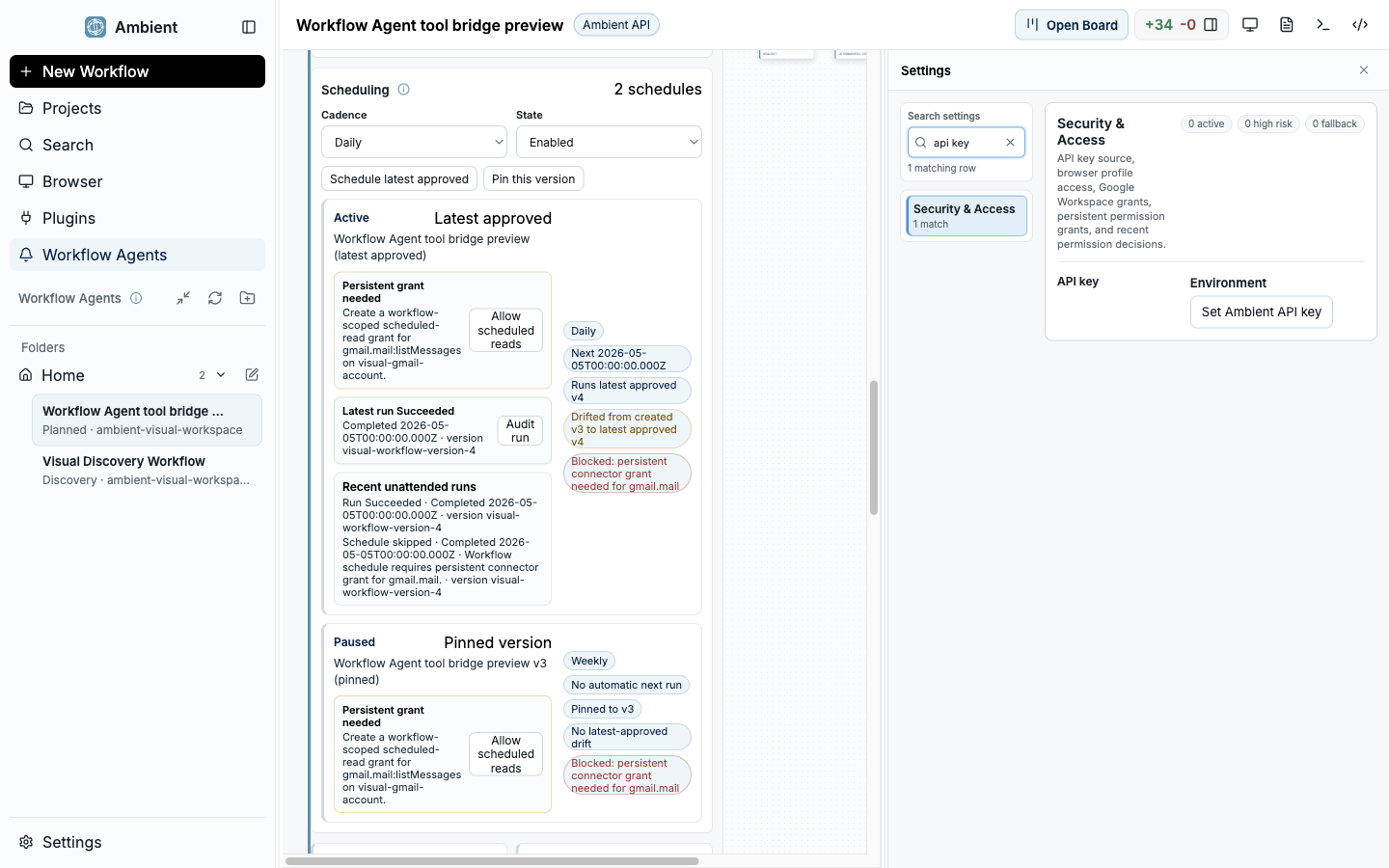
Settings search keeps provider, permission, and runtime configuration discoverable.
Why provider routing matters
Agent success often depends on selecting the right capability for the job. Search, scraping, browser content, vision, local runtimes, and model providers have different strengths, privacy boundaries, costs, and failure modes.
Ambient treats provider choice as a user preference plus runtime decision. The user can set durable defaults in Settings and can also give task-local instructions in chat.
Where to configure provider preferences
Settings
Use Settings for durable preferences: provider priority, local-first posture, privacy boundaries, disabled providers, API key setup, runtime repair, and default fallback behavior.
Chat
Use chat for task-local overrides: prefer local research for this task, try Exa first, use browser content only if search is insufficient, or avoid cloud vision for this screenshot.
Welcome Core Setup
Use Core Setup when the provider is not ready. It routes users to ToolHive, Scrapling, Local Research, voice, vision, document, or access setup before a task depends on that provider.
Provider roles
Search
Find candidate sources. Good search providers return links and snippets, but they do not replace full source inspection.
Scraping and fetch
Read pages or structured content. Scrapling should run through ToolHive when the user needs isolated public web extraction.
Browser
Use when rendering, login state, screenshots, or page interaction matters. Browser use should preserve evidence and respect URL policy.
Local models and vision
Use for privacy, latency, cost, image analysis, or local-first operation when the selected runtime is ready.
Fallback behavior
- Ambient should explain when a provider is skipped because it is disabled, missing credentials, blocked by policy, unavailable, timed out, or not suited to the task.
- Fallback should preserve evidence: attempted provider, reason for fallback, next provider, final source attribution, and any confidence limits.
- A task-local chat preference can override ordering for one run without permanently changing Settings.
- A durable Settings preference should affect future tasks until the user changes it.
Example prompts
Prefer local-first research
For this task, prefer local research and local models where possible. Use public web providers only if local sources are insufficient, and tell me when fallback happens.
Use search then browser
Search first. If the result pages need rendering or screenshots, fall back to browser content. Keep citations and explain any blocked pages.
Use Scrapling for public pages
Use the reviewed Scrapling capability for public web extraction if it is installed. If ToolHive or Scrapling is not ready, tell me exactly which setup step is missing.
Troubleshooting
Why did Ambient not use my preferred provider?
The provider may be disabled, missing credentials, blocked by policy, unavailable, timed out, or mismatched to the role. The run should include a skip or fallback reason.
Can I force a provider from chat?
You can give task-local preferences in chat. Ambient should still respect safety and permission boundaries, so a chat preference cannot bypass policy or missing setup.
What should I configure first?
For web-heavy tasks, configure search, ToolHive, and Scrapling. For local-first tasks, configure Local Research and local model runtimes. For screenshots, configure visual analysis or browser paths.