
Durable Goal Loops
Give Ambient a goal that takes hours, not seconds. Durable goals persist their plan, evidence, and continuation state to disk — so work keeps its shape across turns, pauses, and restarts instead of dissolving into a chat transcript.
Planner
Planner mode grounds long-running work in reviewable steps.
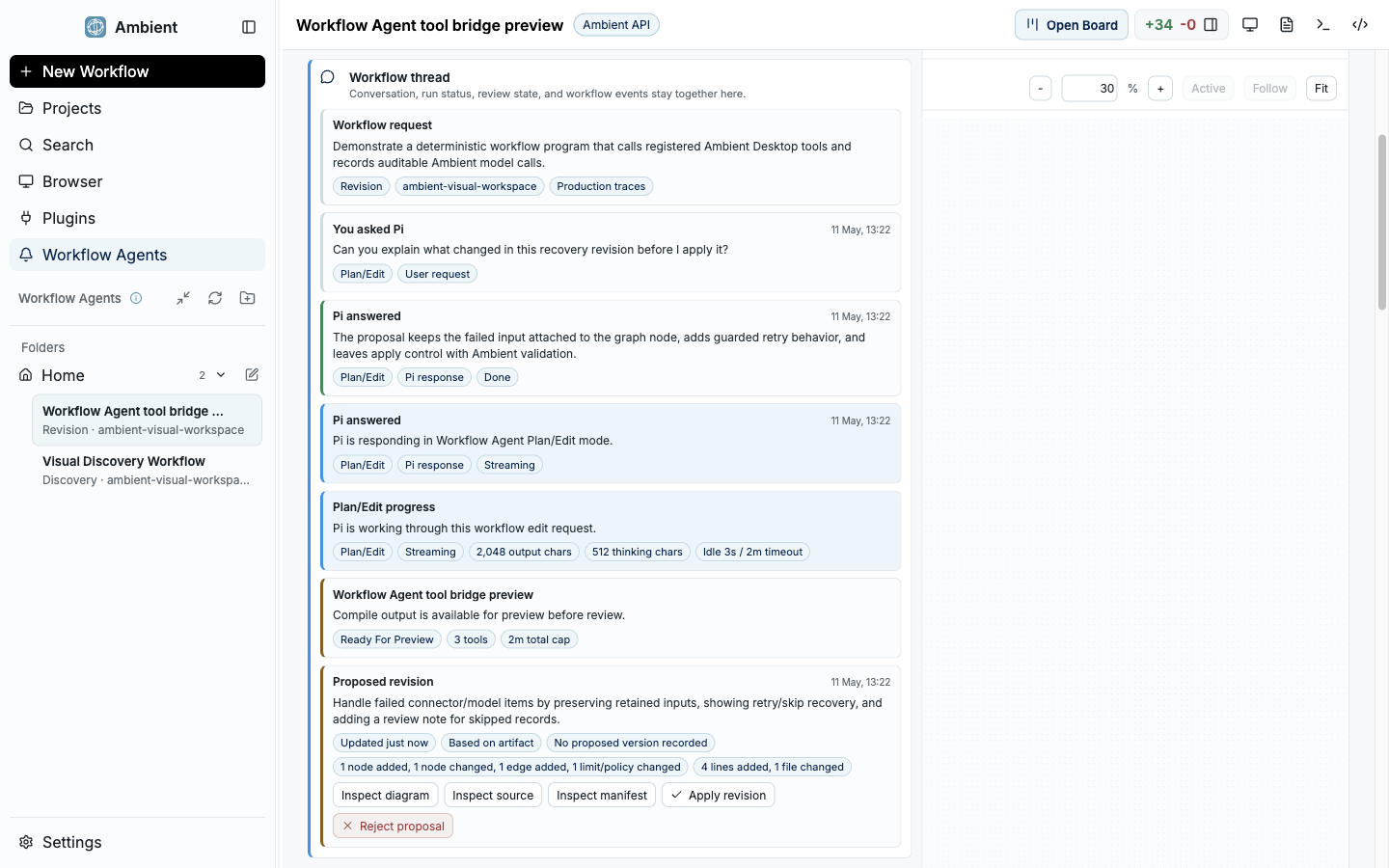
Why durable goals exist
A normal chat agent holds its plan in the conversation. Close the window, hit a crash, or run long enough that context is trimmed, and the plan is gone — the agent silently restarts from whatever it can still remember. For multi-step work, that is how tasks drift, repeat themselves, or quietly stop halfway.
A durable goal keeps the plan outside the transcript. Ambient writes the objective, the current plan, validation evidence, and continuation state to disk, then works the goal in a loop it can stop and resume. Progress becomes a thing you can look at, not a thing you hope the model still has in context.
The loop
Every durable goal runs the same six-stage loop. Each stage leaves a record, so you can always see where the goal is and what it has proven.
Plan
Ambient turns the objective into an ordered plan with a budget and explicit decisions. In Planner Mode you answer the open questions before work begins.
Act
It executes the next slice of the plan — edits, commands, research, or a child agent — instead of trying to do everything in one turn.
Validate
The slice is checked against its expected result: tests, commands, screenshots, or a review pass. Evidence attaches to the work product.
Persist
Plan state, evidence, and the next step are written to disk so nothing important lives only in the conversation.
Resume
On the next turn — or after a restart — Ambient reads the persisted state and continues, repairing anything stale rather than starting over.
Audit
Completion is judged against the original objective. A goal is not done because the agent said so; it is done when the audit passes.
What gets persisted
The objective
The original goal and its decisions, so success can be measured against what you actually asked for.
The live plan
The current ordered steps, their status, and the budget — kept current rather than allowed to drift.
Evidence
Validation output, artifacts, screenshots, and source references attached to each step.
Continuation state
Where the loop is and what comes next, so a resume picks up from saved state instead of memory.
Goals, the Project Board, and Symphony
Durable goals are the engine; the Project Board is the most visible way to see one. A goal can render as a board of source-backed cards with a Draft Inbox you review before execution expands. For goals that need more than one role or context window, a goal can drive Symphony to delegate scoped work to child agents and join their artifacts back into the plan.
FAQ
What happens if the app restarts mid-goal?
Ambient reads the persisted plan, evidence, and continuation state and resumes from there. A reconciliation step repairs stale cache and missing artifacts before continuing, so a restart costs progress, not the whole task.
How is this different from a long chat?
A long chat keeps its plan in the transcript, which is trimmed and lost. A durable goal keeps the plan on disk with validation evidence and an audit gate, so it survives context limits and restarts.
Can I stop and review before it keeps going?
Yes. Planner Mode and the Project Board's Draft Inbox are review points: you approve decisions and cards before the loop expands execution.